Ship on-brand prototypes in minutes
Create production-ready web and mobile prototypes using your design system. Explore variants instantly. No engineering required.
Your design system. Every prototype.
Nucleate reads your components and tokens from GitHub. Every prototype uses your real Button, Card, and Modal—not generic AI-generated ones.
- Prototypes that match your brand automatically
- No manual styling, no brand drift
- Uses your actual React/RN components
Instant variants using your components.
Explore instant variants. These aren't mockups — they are real components from your repo.
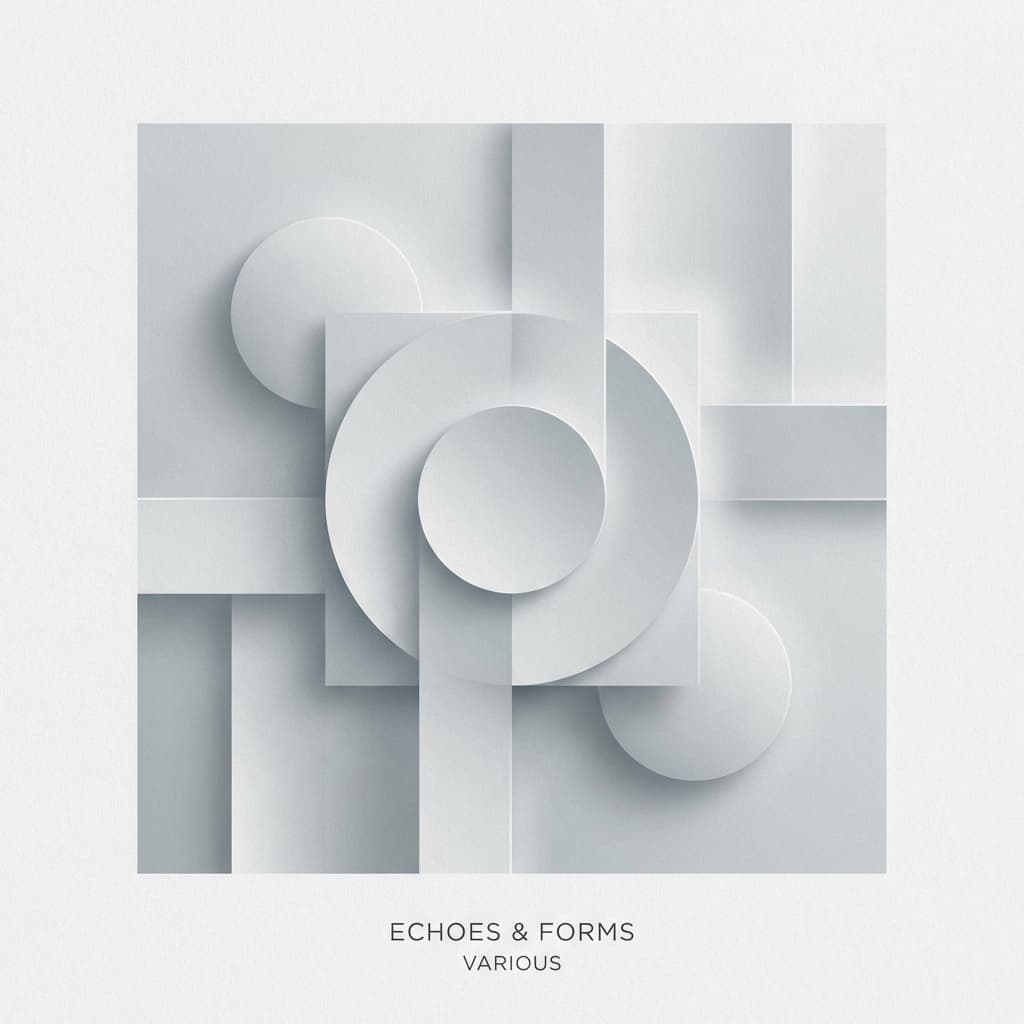
Midnight City
M83 • Hurry Up, We're Dreaming
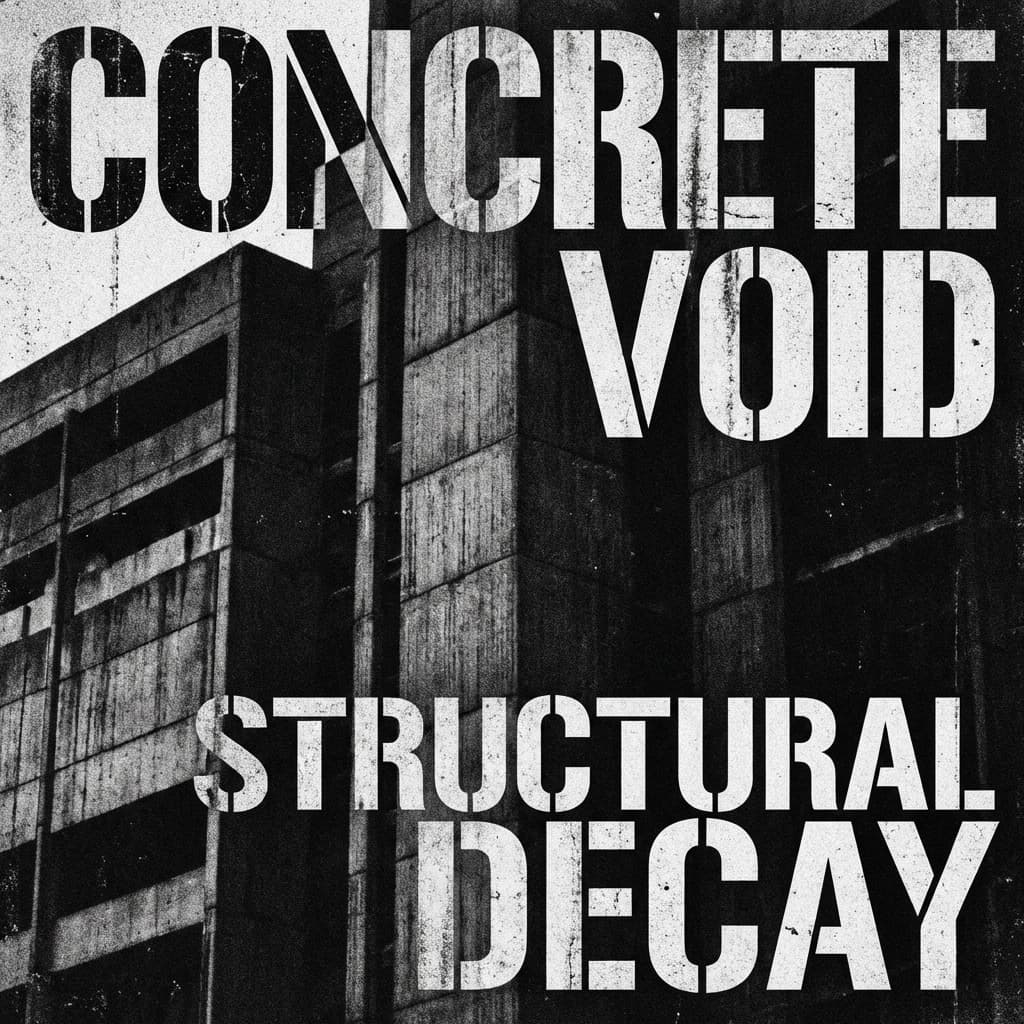
MIDNIGHT
CITY
M83 / Hurry Up, We're Dreaming
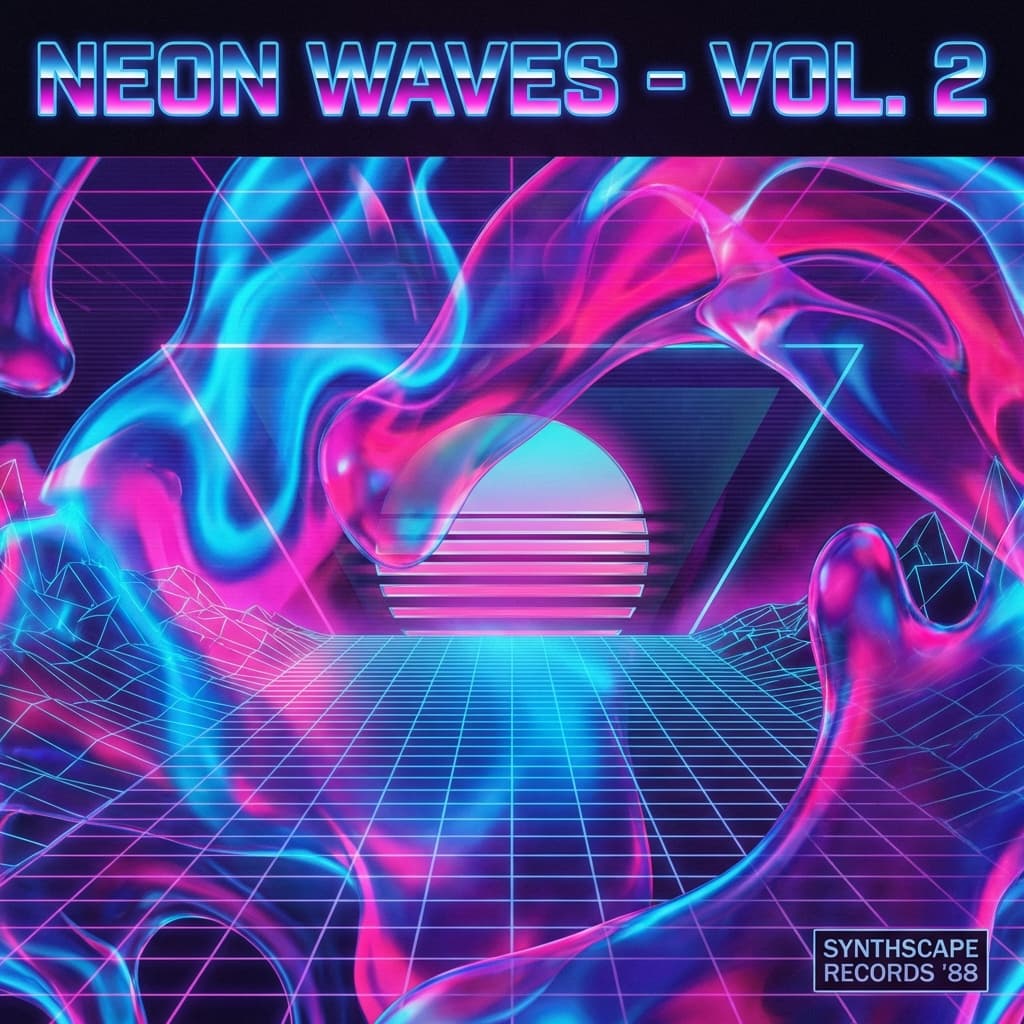
Midnight City
M83
From prototype to production in one click.
These aren't throwaway mockups. Export clean code or open a PR directly to your repo. No handoff, no rebuild.
- Export production-ready code
- Open PRs directly to your repo
- MCP integration with Claude Code, Cursor, and more
Built for your whole team
Click any role to see it in action
Manage tasks with your team!
Simple & powerful
How It Works
No manual setup. No component tagging. No config hell.
Connect GitHub
Nucleate reads your components and design tokens. One time, zero config.
Describe what you want
Chat with Nucleate like you'd brief a designer. It generates variants instantly.
Ship or iterate
Share with users, get feedback, iterate. When ready, ship as a PR.
Why Nucleate?
Prototyping that lives in the codebase.
| Feature | Figma | AI Builders | Nucleate |
|---|---|---|---|
| Uses your components | No | No | Yes (Automatic) |
| Enforces design tokens | Manual | No | Strictly Enforced |
| Works on existing codebase | No | No | Yes |
| PR to repo | No | No | Direct GitHub PR |
Simple pricing
Start for free, scale as you grow.
Free
For trying out Nucleate
Plus
For individuals
Teams
For growing teams
Enterprise
For large organizations
Bring your own Claude Code
Already have a Claude Code subscription? Connect it to Nucleate for massive savings. Available on Plus and Teams.
Questions?
Do I need to know how to code?
No. Nucleate is designed for non-technical team members. Just describe what you want in plain English, and Nucleate builds it using your team's real components and design system.
Can my whole team use this?
Yes. Designers, PMs, marketers, and founders can all create prototypes independently. No engineering bottleneck—everyone can explore ideas and ship when ready.
Does it use our existing components?
Yes. Unlike generic AI tools, Nucleate prioritizes using your existing library. If you have a 'Button' or 'Card' component, Nucleate will use them instead of generating new ones.
How does the PR workflow work?
After you're happy with a prototype, you can click 'Open PR'. Nucleate will branch from your main, commit the new screens and components, and create a Pull Request for your review.
Is our code sent externally?
We only send the necessary context (component signatures and tokens) to the model to generate the UI. Your source code is never used to train models.